Click, Fix, Malware? How Fake CAPTCHAs Fuel ClickFix Attacks
TL;DR
- ClickFix disguises itself as a CAPTCHA or browser error and gets visitors to run a copied command themselves, through the Windows Run dialog or a terminal.
- Because the victim launches the command, traditional security software often sees nothing more than a normal user action. The attack needs no exploit.
- Never paste a command from a website into PowerShell, a terminal, or the Run dialog.
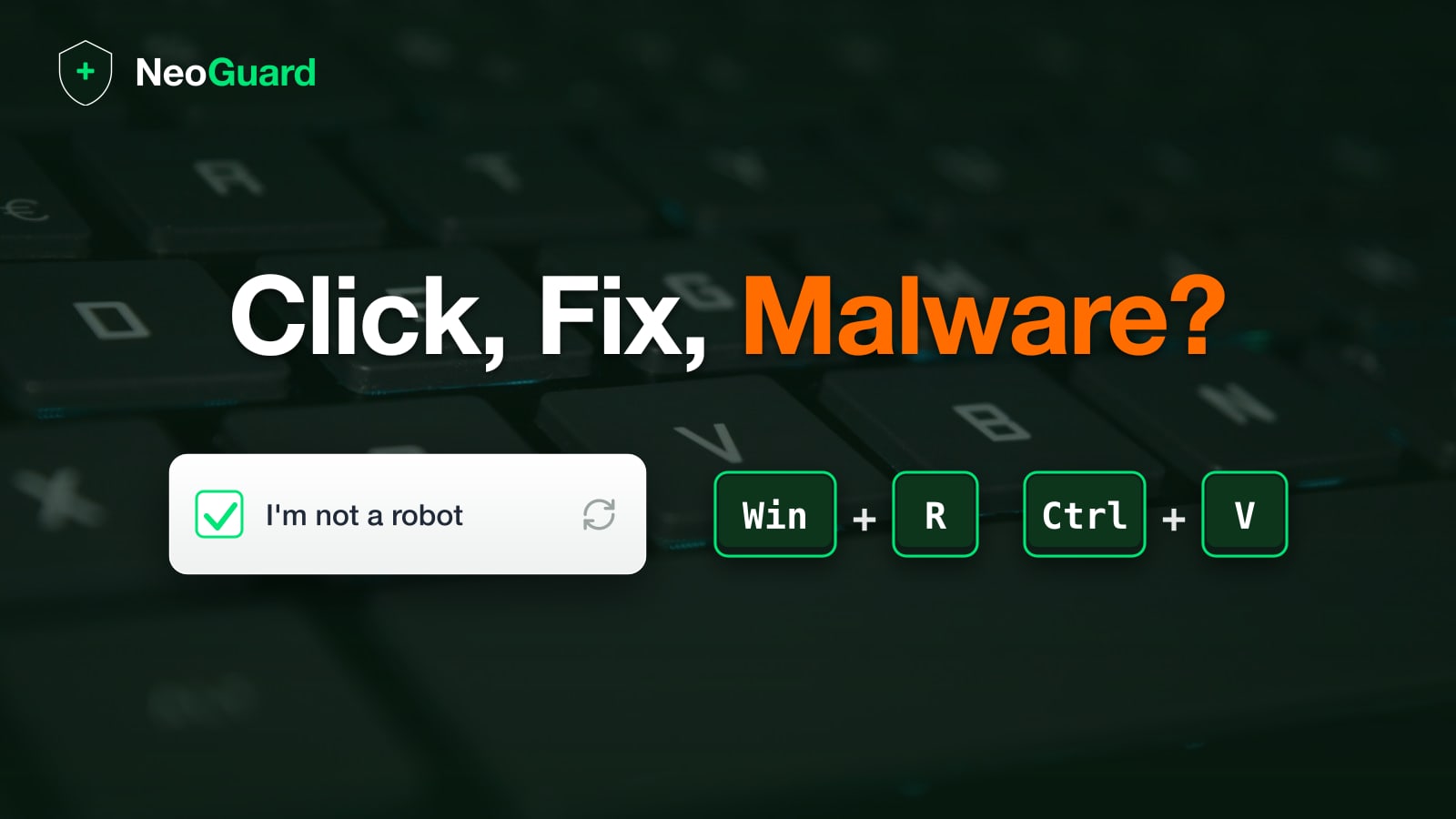
Anyone who spends time online keeps running into a now-familiar prompt: “I’m not a robot.” Attackers have learned to exploit the routine with which visitors get past these “security barriers” to reach the content they want. The trick is simple. Instead of a checkbox, a short instruction appears, asking the visitor to carry out a few easy steps: press Win + R, then Ctrl + V, then Enter. Anyone who follows along installs malware in seconds. The command needed for it is usually copied to the clipboard in the background by JavaScript. This technique is called ClickFix, and Switzerland’s Federal Office for Cyber Security (BACS) has recorded a rise in related reports since early 2026. It works so well because it exploits the trust people place in routine prompts like CAPTCHAs or error messages and quietly bypasses technical security mechanisms. This article explains how ClickFix works, how common it is, and how to protect yourself and your team.
Which CAPTCHA variants are common?
A CAPTCHA is the security check that tells a human apart from a bot. The name stands for “Completely Automated Public Turing test to tell Computers and Humans Apart”. The most common is Google’s reCAPTCHA (the “I’m not a robot” checkbox or the image grid of traffic lights and bicycles), followed by Cloudflare’s Turnstile and hCaptcha. Older forms also still appear, such as distorted character strings and audio or puzzle variants. reCAPTCHA dominates by a wide margin and runs on around 71% of CAPTCHA-protected sites. As AI keeps improving, though, the actual goal of telling humans and computers apart gets harder. Modern AI models solve common CAPTCHAs in testing at success rates of 80 to 100%.
How does a ClickFix attack work?
It starts with a prepared web page. Attackers buy ads, hijack poorly secured sites, or lure visitors in through search results and links. The page then shows a fake problem, usually a cloned CAPTCHA, sometimes a supposed browser update or a display error.
As soon as a visitor clicks “I’m not a robot” or “Fix it,” a small script copies a command into the clipboard in the background. Security researchers call this clipboard hijacking. The instructions then have the command run, on Windows through the Run dialog, on macOS through Terminal. To keep the dangerous part out of sight, attackers often append an innocent-looking comment such as “reCAPTCHA Verification ID”, so that only that text stays visible in the Run dialog.
The pasted command usually uses a legitimate Windows program such as powershell.exe or mshta.exe to quietly download a second file. That file then installs the real payload. In most cases it is an infostealer, a type of malware that reads passwords out of the browser, steals session cookies, and drains crypto wallets. ClickFix is a particularly direct form of social engineering: the attacker leaves all the technical work to the victim.
Why is ClickFix harder to detect?
The decisive difference from classic phishing is who starts the malicious code. With a phishing attachment, the victim opens a file that many security tools can inspect and block. With ClickFix, the victim enters the command themselves into a system tool that the operating system ships with and trusts, or at least has to assume comes from a legitimate user action.
To traditional endpoint protection, this looks at first like a normal action by an authorized person. There is no suspicious downloaded file and no exploited vulnerability. Microsoft therefore describes ClickFix as a technique that deliberately exploits human behavior instead of a software flaw. That does not mean the attacks are invisible. Modern, behavior-based security tools can spot the sequence, for example when PowerShell suddenly launches with hidden parameters shortly after browsing and contacts an unknown address. Detection is harder, but not impossible.
How common is ClickFix?
How common ClickFix really is depends heavily on what gets measured. In the Microsoft Digital Defense Report 2025, ClickFix is the most common observed method for initial access at around 47%, ahead of classic phishing at 35%. The Verizon Data Breach Investigations Report 2026, by contrast, counts only attacks blocked at the browser level and therefore lands at around 2.7% (more on it in our DBIR overview for SMEs). The individual figures diverge widely, but the direction is the same everywhere. ClickFix is growing fast and has moved from a fringe trick to an established attack vector.
Is ClickFix relevant in Switzerland?
Yes. BACS described the method by name in its weekly review in February 2026 and pointed to a rising number of reports from both private individuals and companies. As early as November 2024, the agency warned about fake CAPTCHAs that copied a PowerShell command into the clipboard after a click and instructed users to run it through Win + R. Germany’s Federal Office for Information Security (BSI) issued the same warning about this fake-CAPTCHA sequence in early March 2025. Microsoft also documented a ClickFix campaign that targeted organizations in Switzerland, among other countries.
How can you protect yourself against ClickFix?
For individuals, a handful of behavioral rules cover most of the risk, and they translate well into team training.
- Never paste a command from a website into PowerShell, a terminal, or the Run dialog. A real CAPTCHA verifies that you are human with a click or an image puzzle, and never asks for a system-level key combination.
- Distrust any page that wants to fix a technical problem through Win + R. Legitimate browser and system updates arrive through your browser or operating system settings, and never through an arbitrary web page.
- Close the page when a CAPTCHA asks for a key combination. If a command has already been run, disconnect the device from the internet, change your most important passwords from another device, end all active sessions in the affected accounts, and have the system scanned for malware.
In an organization, a few technical controls close the easiest path for these attacks.
- Restrict the Run dialog through Group Policy when regular users do not need it. That removes the most common entry point via Win + R, even if some variants steer users to the terminal directly instead.
- Limit what standard accounts can run with PowerShell and
mshta.exe(for example with app allowlisting like AppLocker). Execution Policy alone is not enough, because ClickFix commands deliberately bypass it. BACS also recommends restricting PowerShell use for regular accounts. - Train your team on a concrete example. A screenshot of a fake CAPTCHA with the instruction Win + R, then Ctrl + V sticks better than an abstract warning.
ClickFix is a clever repackaging of an old idea. As long as attackers can get people to take the final step themselves, the most effective defense is knowing that a trustworthy website never asks you to run a command on your own system.