Proton Meet and Proton Workspace: How a Swiss Provider Is Taking On Microsoft and Google
TL;DR
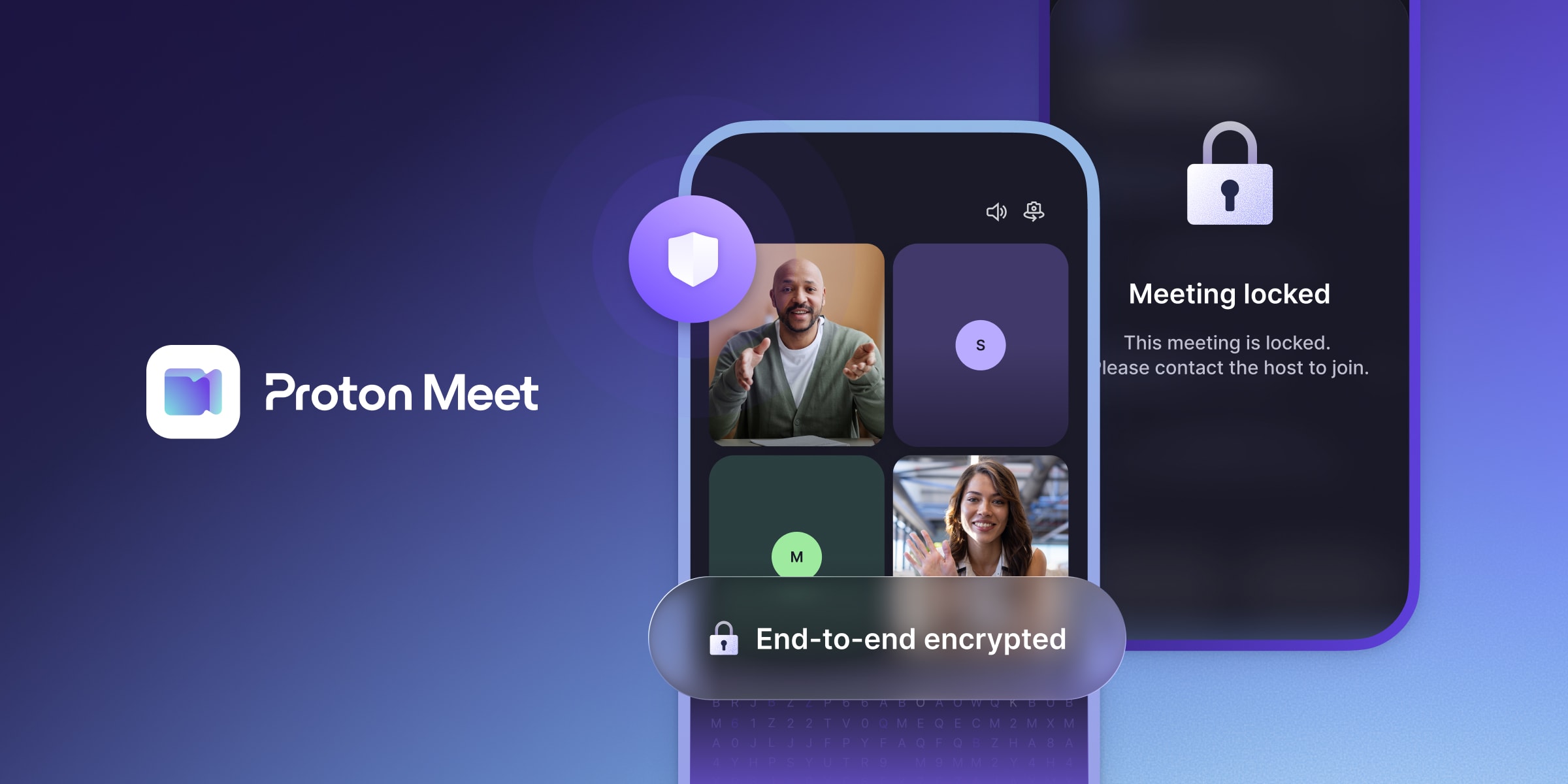
- Proton Meet launched on 31 March 2026 with end-to-end encryption by default, a free tier (50 participants, 60 minutes), and no account required to join.
- Proton Workspace bundles Mail, Calendar, Drive, Docs, Sheets, Meet, VPN, and Pass into one suite, positioning itself as a privacy-first alternative to Google Workspace.
- If Proton Workspace delivers on its promise, businesses and professionals in Switzerland could consolidate their communication stack under a single Swiss-headquartered provider not subject to the US CLOUD Act.
At the end of March 2026, Proton launched Proton Meet, a video conferencing tool with end-to-end encryption on by default, and Proton Workspace, a full suite that bundles email, calendar, cloud storage, VPN, and password management under one roof. For businesses in Switzerland that have been assembling their privacy stack one tool at a time (Proton Mail here, Tresorit there, a separate VPN on top), that patchwork approach just became optional.
Until now, even committed Proton users had to leave the ecosystem for video calls, whether that meant Zoom, Google Meet, or self-hosted alternatives like Jitsi. With Proton Workspace, a full privacy-first communication stack might become a viable alternative to Google Workspace and Microsoft 365.
What Proton Meet offers
Proton Meet is an end-to-end encrypted video calling tool that uses Messaging Layer Security (MLS), an open standard designed for encrypted group communication. Audio, video, screen sharing, and in-call chat are all encrypted client-side before reaching Proton’s infrastructure.
What each tier includes:
- Free tier. Up to 50 participants, 60-minute limit
- Meet Professional. Up to 100 participants, 24-hour limit
- Workspace Premium. Up to 250 participants
- No account required to join. Guests click a link, like any other conferencing tool
- Integrated with Proton Calendar. Booking pages let others schedule time with you, similar to Calendly
The practical experience appears to be familiar if you’ve used Zoom or Google Meet. The structural difference is that encryption is on by default.
What “end-to-end encrypted” means here (and what it doesn’t)
Proton encrypts meeting content (audio, video, chat) end-to-end using MLS. Their servers relay encrypted streams via a Selective Forwarding Unit (SFU) without decrypting them. For context, Zoom offers E2EE as an optional mode (off by default), and Google Meet uses encryption in transit but not end-to-end for standard meetings.
One nuance is worth knowing. Early technical analysis from the privacy community noted that the SFU relay layer may use infrastructure from cloud providers subject to US jurisdiction. That does not compromise encrypted content, but it means some metadata (IP addresses, connection timestamps, call duration) could theoretically be accessible under US legal processes. Proton’s servers handling encryption keys and account data remain in European data centers.
For most businesses in Switzerland, this is still a substantial improvement over Zoom and Google Meet, where both content and metadata sit fully within US-jurisdiction infrastructure. But if your threat model requires metadata protection too (journalists, activists, legal cases), it is worth understanding the distinction.
What Proton Workspace replaces
Proton Meet is one piece of Proton Workspace, which bundles:
| Tool | Replaces |
|---|---|
| Proton Mail + Calendar | Gmail + Google Calendar |
| Proton Drive + Docs + Sheets | Google Drive + Docs + Sheets |
| Proton Meet | Zoom / Google Meet |
| Proton VPN | Standalone VPN service |
| Proton Pass | Standalone password manager |
Proton offers three Workspace tiers. The Standard plan runs roughly in the same price range as Google Workspace per user per month, with 1 TB storage. Premium triples the storage and raises meeting limits. Enterprise is custom-priced.
Instead of managing separate subscriptions for email, cloud storage, video calls, VPN, and passwords, you consolidate under one Swiss-headquartered provider with consistent encryption and a single data processing agreement.
Why this matters for businesses and professionals in Switzerland
Fewer jurisdictional questions. The CLOUD Act gives US authorities access to data held by US providers, regardless of where it’s stored. Proton AG, as a Swiss company, is not directly subject to that law. That said, Proton hosts some infrastructure in European (not exclusively Swiss) data centers, and may use subprocessors that are. The jurisdictional picture is simpler than running five US-based tools, but it is not zero-complexity. Consolidating under Proton still reduces the number of vendors you need to assess under nFADP cross-border data transfer rules.
Fewer data processing agreements. Under the nFADP, every third-party processor handling personal data needs a documented DPA. Five tools means five DPAs to negotiate, monitor, and update. One workspace suite means one. For a small team without a legal department, that operational simplification matters.
Video calls were the last missing piece. Proton Meet means you no longer need a separate provider for conferencing. Whether the full stack holds up in practice remains to be seen, but the option to run your communication tools under one Swiss-headquartered provider now exists.
Who should consider Proton Workspace now
Freelancers and solo consultants who already use Proton Mail and want integrated scheduling and video calls without adding Zoom or Calendly to their tool stack. The free tier is enough for most client calls.
Small teams (5-25 people) evaluating Google Workspace alternatives for privacy or compliance reasons. Proton Workspace now covers ground where it previously had gaps. If your team handles sensitive client data (legal, financial, healthcare), the end-to-end encrypted defaults simplify some compliance conversations.
Founders setting up their first tool stack. If you’re choosing tools today and privacy matters to your positioning, starting with Proton Workspace avoids the patchwork problem. One vendor, one bill, one DPA. See our security tools for founders guide for the full stack.
Who should wait
Teams deeply integrated with Google Workspace or Microsoft 365. Proton’s office tools (Docs, Sheets) are newer and less mature than Google Docs or Office 365. If your team relies heavily on real-time collaboration, complex spreadsheets, or third-party integrations, switching today means accepting some feature trade-offs. Migration cost is real.
Organizations that need advanced meeting features. Breakout rooms, live transcription, cloud recording, large webinars, and deep calendar integrations with external tools are areas where Zoom and Teams have years of head start. Proton Meet is a privacy-first starting point, but not yet a feature-complete replacement for power users.
Anyone who values video call recordings for compliance. If you need recorded and properly consented meeting documentation, check whether Proton Meet supports recording in your plan before switching.
The practical comparison
| Proton Meet | Zoom | Google Meet | |
|---|---|---|---|
| Encryption | E2EE by default (MLS) | E2EE optional, off by default | In-transit only |
| Free tier | 50 people, 60 min | 100 people, 40 min | 100 people, 60 min |
| Account to join | No | Usually yes | Google account |
| Provider jurisdiction | Switzerland | United States | United States |
| Part of a workspace suite | Yes (Proton Workspace) | No (Zoom Workplace is separate) | Yes (Google Workspace) |
| Self-hostable | No | No | No |
For teams that need self-hosting and full infrastructure control, Jitsi Meet is worth considering, though it comes with more operational overhead.
What to do next
If you already use Proton Mail, try Proton Meet for your next internal call. It is included in your existing plan, and you can evaluate whether it fits your workflow before committing to a full Workspace upgrade. The booking page feature alone may replace a Calendly subscription you’re paying for separately. For a deeper look at Proton Mail itself, see our Proton Mail guide.
If you’re evaluating Google Workspace alternatives, start with a parallel run. Use Proton for internal communication while keeping Google for external collaboration during a transition period. That de-risks the migration and gives your team time to surface any feature gaps that matter for your specific workflows.
If you’re building a new tool stack from scratch, Proton Workspace is now an option in a way it was not six months ago. Pair it with a freelancer security setup or founder security stack and the privacy fundamentals are covered from day one.
For meeting-specific compliance considerations under Swiss law, see AI meeting tools and client consent.
NeoGuard may earn a commission if you purchase through our links. This does not affect our editorial recommendations. See our privacy policy for details.