Proton Mail
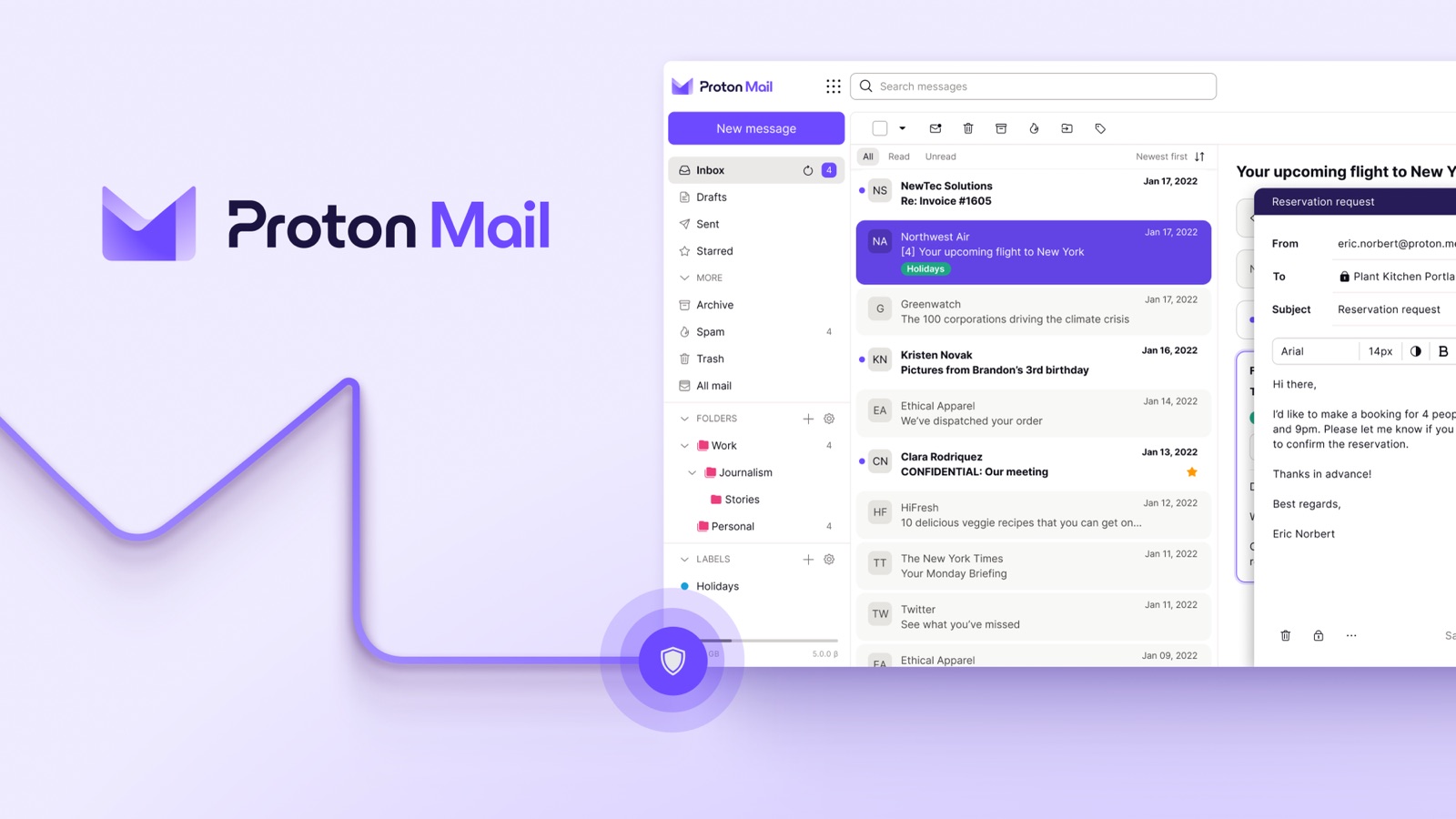
Proton Mail is an end-to-end encrypted email service built by Proton AG in Geneva, launched in 2014 by researchers at CERN. It is the flagship of the Proton ecosystem (Mail, VPN, Drive, Pass, Calendar).
The core difference from Gmail, Outlook, or Yahoo Mail is structural: Proton Mail uses zero-access encryption, meaning messages are encrypted on your device before they reach Proton’s servers. Proton itself cannot read your inbox, even if legally compelled to try. A court order for your mailbox contents would yield encrypted blobs regardless of which country issued it, and for anyone handling client data, contracts, or sensitive personal information, that guarantee is the entire point.
What Proton Mail does
Proton Mail is encrypted email. You get a mailbox, end-to-end encryption between Proton users, PGP support for external recipients, and the usual email features: folders, labels, filters, search, mobile apps, and IMAP/SMTP access on paid plans via Proton Bridge.
The architecture is what makes it different. Your password derives an encryption key that never leaves your device. Messages are encrypted with this key before they touch Proton’s infrastructure, so Proton holds only encrypted blobs. A breach of their servers would not expose your inbox.
For messages sent between Proton users, encryption is automatic and end-to-end. For messages to non-Proton recipients (Gmail, Outlook, etc.), you can either send them as normal TLS-protected email, use Proton’s password-protected message feature (the recipient opens a web link with a shared password), or exchange PGP keys with PGP-aware contacts.
Who Proton Mail is for
- Privacy-conscious individuals who want to move off Gmail without losing core email functionality. Zero-access encryption protects personal correspondence, financial statements, tax documents, and the password-reset emails for every other account you own. See: VPN and Password Manager: Which Ones Are Actually Worth Paying For?
- Small teams and SMEs in Switzerland that need nFADP-aligned email for client communication without running their own mail server. Proton Business adds team management, admin controls, and multiple custom domains. See: Security Tools Every Founder Needs from Day One
- Freelancers and solopreneurs handling client data (contracts, invoices, personal information) over email. End-to-end encryption and Swiss jurisdiction match what clients expect from anyone processing their data under nFADP. See: The Freelancer Security Setup
- Journalists, activists, and NGOs working on sensitive topics. Proton Mail is used by organizations like Reporters Without Borders and has successfully pushed back against data requests where Swiss law does not compel compliance.
Key features
Zero-access encryption
Every email in your inbox is encrypted with a key derived from your password. Proton never sees the unencrypted contents, and that is enforced by the cryptography itself rather than by internal access policies. Even a court order compelling Proton to hand over your mailbox would yield only encrypted blobs. For Proton-to-Proton mail, the entire flow is end-to-end encrypted by default. For external recipients, you can use password-protected messages or PGP.
Hide My Email aliases
Proton Mail integrates SimpleLogin, the open-source alias service acquired by Proton in 2022, to give paid users unlimited email aliases. Sign up for newsletters, promotions, or one-off services with a disposable alias (e.g. [email protected]) that forwards incoming mail to your real inbox. If an alias starts attracting spam, disable it with one click. A breach at the service behind the alias cannot be traced back to your real address or pivoted into a phishing attempt against it.
Self-destructing messages and PGP
Set an expiry on sensitive messages so they disappear after a defined period. Between Proton users the message is removed from the recipient’s inbox directly. For external recipients (Gmail, Outlook, etc.) Proton instead sends a password-protected web message whose access link expires on schedule. Proton cannot retroactively delete an email that has already landed in a third-party inbox; the notification stays, but the content behind the link is gone. Useful for password resets, temporary access, or anything that should not persist. For contacts who already use PGP, Proton Mail handles the key exchange and encryption once, then applies it transparently without further action on your part.
Easy Switch migration
Proton’s Easy Switch tool imports email, contacts, and calendar events from Gmail, Outlook, Yahoo Mail, and IMAP-compatible providers. The process is one-time and automated: connect the source account, let Proton pull the data, and your entire email history lands in an encrypted vault.
Bridge for desktop clients
Proton Bridge is a local application that translates between Proton’s encrypted format and standard IMAP/SMTP. You can use Apple Mail, Outlook, or Thunderbird as your client while keeping the encryption guarantees, because the bridge runs on your device and the provider infrastructure still only sees ciphertext.
Custom domain support (Mail Plus and up)
On Mail Plus and higher plans (not available on the free version), you can use Proton Mail with your own domain: [email protected] instead of [email protected]. Your address becomes portable: if you ever switch providers, you keep it. Proton handles the DNS setup (MX, SPF, DKIM, DMARC) with copy-paste instructions. Useful, but not the reason most people pick Proton Mail over Gmail.
Multiple built-in addresses
Paid users get addresses across multiple Proton domains: @proton.me (the current primary), @protonmail.com (legacy), and @pm.me (short alias), all routed to the same inbox. The short @pm.me variant is a small quality-of-life win when you are dictating your address over the phone or printing it on a business card. The pattern is similar to how @gmail.com and @googlemail.com both work for a Google account.
Proton ecosystem
A single Proton account also unlocks Proton Calendar (encrypted), Proton Drive (encrypted cloud storage), Proton Pass (password manager), and Proton VPN. For users who want a privacy-focused alternative to Google Workspace, the Proton Unlimited plan bundles everything under one subscription.
What Proton Mail does not do
- Proton Mail is not a drop-in Gmail replacement for every workflow. Encrypted architecture means server-side features that rely on reading message contents (advanced content-based spam filtering, AI summarization, Smart Compose) work differently or not at all.
- Automatic encryption only works between Proton users. Sending encrypted email to a Gmail address requires either the recipient to have PGP set up, or using Proton’s password-protected message feature, which adds friction. For most contacts, encryption to external addresses is transport-layer only (TLS), same as any provider.
- No IMAP/SMTP on the free plan. Free accounts can only use Proton Mail via the web interface and mobile apps. Desktop client access requires Mail Plus and Proton Bridge.
- Free tier is limited. 1 GB storage, one address, no custom domain, no Hide My Email aliases. The free plan is a genuine entry point (not time-limited), but serious daily use pushes you to Mail Plus or higher.
Pricing
Proton Mail has a genuine free tier with limited storage and features, plus several paid plans: Mail Plus (individual users, custom domain, more storage), Proton Unlimited (bundles Mail, VPN, Drive, Pass, Calendar), and Proton for Business (team management, multiple users, admin tools). Annual billing offers the largest discount over monthly.
Check Proton Mail’s pricing page for current plans and rates in CHF.
How Proton Mail compares
| Proton Mail | Tutanota | Mailbox.org | Gmail | |
|---|---|---|---|---|
| Jurisdiction | Switzerland | Germany | Germany | USA |
| Zero-access encryption | Yes | Yes | Opt-in (Guard) | No |
| PGP support | Native | No (proprietary crypto) | Native | Manual setup |
| Custom domain | Paid plans | Paid plans | All paid plans | Workspace only |
| Free tier | Yes (limited) | Yes (limited) | No | Yes |
| Open-source clients | Yes | Yes | Partial | No |
| Best for | Swiss jurisdiction, ecosystem bundle | Lightweight encrypted mail | PGP purists under German law | Users locked into Google |
Swiss relevance (and its limits)
Proton AG is headquartered in Geneva and primarily subject to Swiss law. Switzerland has no direct equivalent of the US CLOUD Act (Clarifying Lawful Overseas Use of Data Act) or FISA Section 702, and EU adequacy status means data stored with Proton is treated as intra-EU from a GDPR perspective (no Standard Contractual Clauses required when doing business with EU clients).
For businesses subject to the nFADP, email is often the highest-risk channel: contracts, financial details, personal data, and internal decisions all flow through it. Running that channel on a zero-access encrypted provider directly addresses the nFADP’s requirement to implement “appropriate technical and organizational measures” for personal data protection (Art. 8 nFADP).
Swiss jurisdiction is not blanket immunity, though, and we would be doing readers a disservice to pretend otherwise:
- Swiss courts can compel metadata logging. In documented cases, Swiss authorities have ordered Proton to log metadata (such as IP addresses) for specific accounts under targeted investigations, sometimes initiated by foreign authorities via mutual legal assistance treaties. Proton complies with valid Swiss court orders where required by law and publishes an annual transparency report covering them.
- VÜPF is a real regulatory pressure. A proposed amendment to Switzerland’s Ordinance on Surveillance of Postal and Telecommunications Traffic (VÜPF) would require providers with more than 5,000 users to retain metadata for six months and assist with decryption. In response, Proton has already begun relocating parts of its infrastructure (starting with its Lumo AI service) to Germany and Norway. Proton CEO Andy Yen has publicly stated the Swiss regulatory environment is currently hostile to data protection investment.
- What does not change: message contents remain end-to-end encrypted with keys Proton does not hold, regardless of which jurisdiction applies. That is the structural guarantee, and it holds whether the mail server is sitting in Geneva, Frankfurt, or Oslo.
Tips for getting the most out of Proton Mail
- Use Hide My Email aliases for every new signup. Treat alias creation as the default when signing up for newsletters, shops, or one-off services. When spam arrives or a service gets breached, you disable the alias without losing anything else and without touching your primary address.
- Enable 2FA. Use an authenticator app or a hardware key. Proton supports both, and the encryption guarantees only hold if the login protecting them cannot be taken over.
- Migrate once, then commit. Use Easy Switch for a full import, then update your login email on important accounts (bank, tax, client portals) so your Proton address becomes the primary inbox. Half-migrations create more work than they save.
- Install Proton Bridge if you prefer a desktop client. It lets you keep Apple Mail, Outlook, or Thunderbird while preserving the encryption guarantees, because the bridge runs locally.
- Set up a custom domain if you are already paying for Mail Plus. It is free to configure and makes your address portable if you ever change providers later. Skip it if you are on the free plan or do not need a branded address.
- Consider Proton Unlimited if you are already paying for a VPN, cloud storage, or a password manager separately. The bundle is usually cheaper than individual subscriptions and consolidates your privacy stack on one Swiss account.